Export documentation
Every Magic Stairs design exports as five complementary file formats. This documentation tells you exactly what each one contains, which tool opens it, and when to reach for which — so you can pick the right format for your workflow whether you’re hand-cutting a porch stair, CNC-routing stringers, or sending a 3D preview to a client.
The five formats at a glance
Every export is generated from the same authoritative geometry — so the dimensions in the PDF, the polylines in the DXF, the solids in the STEP, the paths in the SVG, and the triangles in the STL all describe the same staircase, down to the millimetre.
Construction PDF
11-sheet A3 landscape booklet — cover, plan, elevation, per-part workshop drawings, BOM. Opens in any PDF reader.
Read more →DXFSTEPCAD & CNC exports
DXF (2D, layered) for CNC routing and CAM. STEP (AP214 BREP) for CAD modelling — every part as a named component.
Read more →SVGSTLSVG & STL exports
SVG for editable vector graphics — pitch decks, web, laser cutting. STL for 3D printing a tabletop model.
Read more →Which format do I actually want?
Most projects use two or three of them in combination. The quick decision matrix:
| If you want to… | Use | Why |
|---|---|---|
| Print sheets and take them to the workshop | Everything dimensioned, no software needed | |
| Route stringers on a CNC | DXF | 2D, layered, opens in any CAM tool |
| Model the stair in CAD (Fusion, FreeCAD, Onshape, Solidworks) | STEP | Solid BREP, every part is a separate component |
| Embed the design in a client presentation | SVG | Vector — scales infinitely, fully restylable |
| Laser-cut tread templates from plywood | DXF or SVG | Both translate directly to a laser cutter |
| 3D-print a tabletop reference model | STL | Watertight mesh, ready for any slicer |
| Get a sanity check before fabrication | STEP or STL | Both let you orbit the design in 3D and look for clashes |
One geometry, five viewpoints
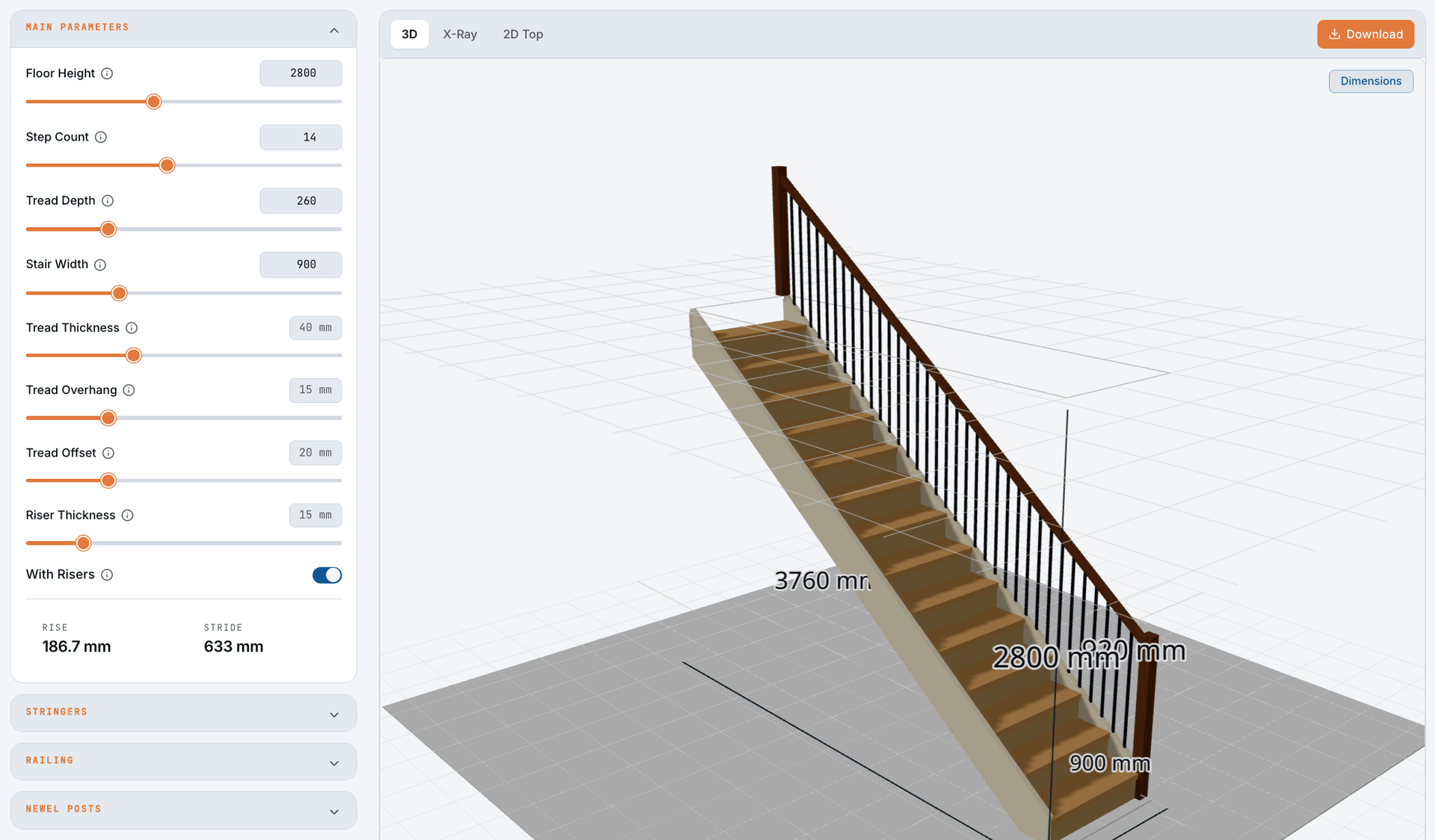
It’s worth saying explicitly: all five exports come from one source of truth. The 3D preview in the calculator, the PDF dimensions, the DXF polylines, the STEP solids, the SVG paths, and the STL triangles are all produced by the same geometry pipeline. There is no second-pass translation, no “lossy conversion” between formats — change a parameter, hit Download, and every file in the bundle is in lockstep with what you saw on screen.
Footer warning FOR PLANNING ONLY — VERIFY ON-SITE DIMENSIONS appears on every PDF sheet. It’s real guidance: the calculator can’t know how flat your floor is or whether your wall is actually plumb. Re-measure on site before you cut. The export takes a second; cutting the wrong stringer takes a day.
Pick a format and dive in
- Construction PDF — every one of the 11 sheets explained, what dimensions it carries, what it’s for.
- CAD & CNC exports — DXF layer conventions, STEP component naming, the workflow for routing and modelling.
- SVG & STL exports — SVG for communication, STL for visualisation, the “when and why” for each.